 DevSuite
How it works
Paste
Anything you copied: JSON, YAML, a JWT, a cURL command, logs, a cron line, a certificate.
DevSuite recognises it
More than 40 formats, detected on the spot. Wrong guess? Pick the format yourself.
The right tool opens
Formatted, decoded or explained, with the actions you need one key away.
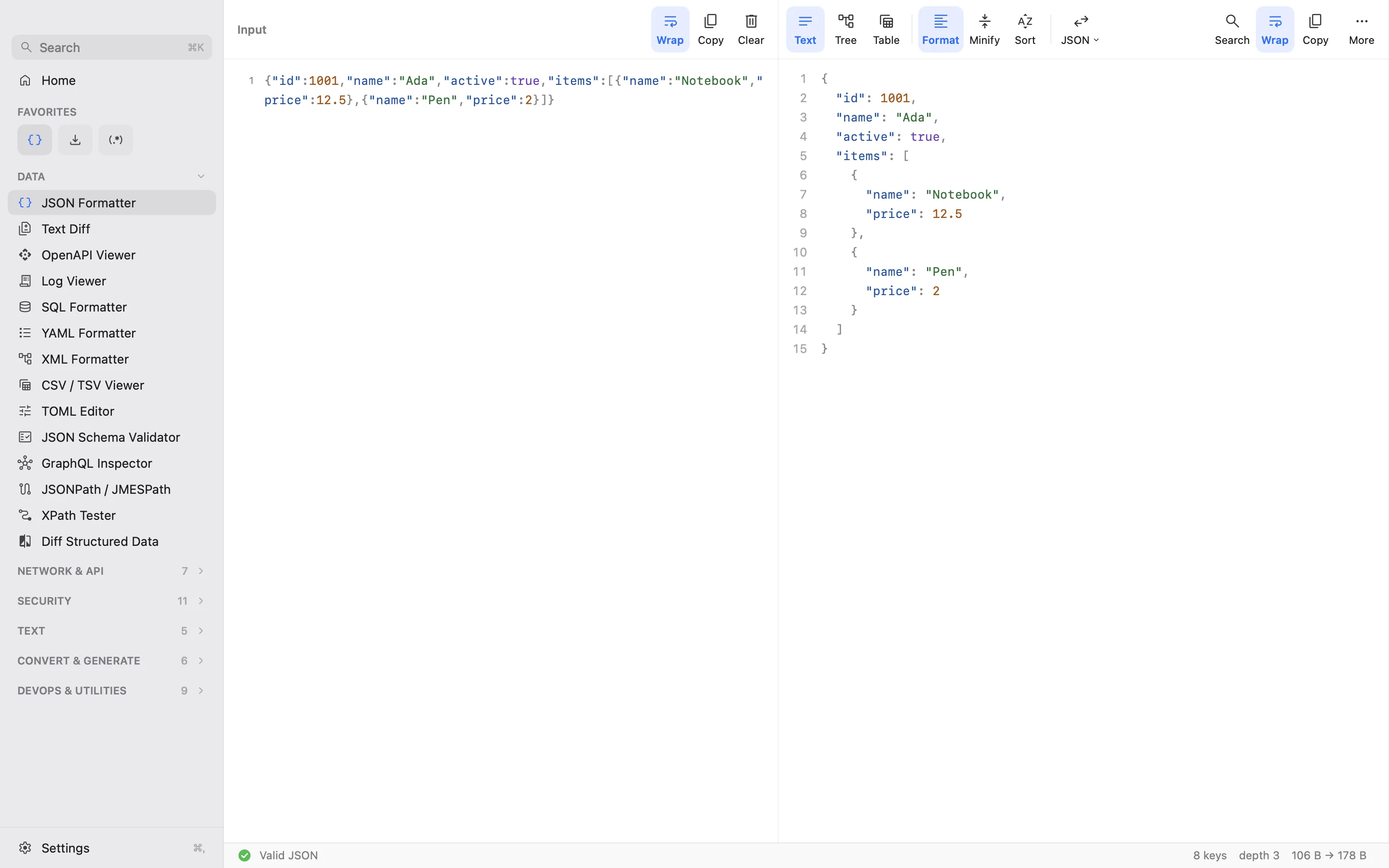
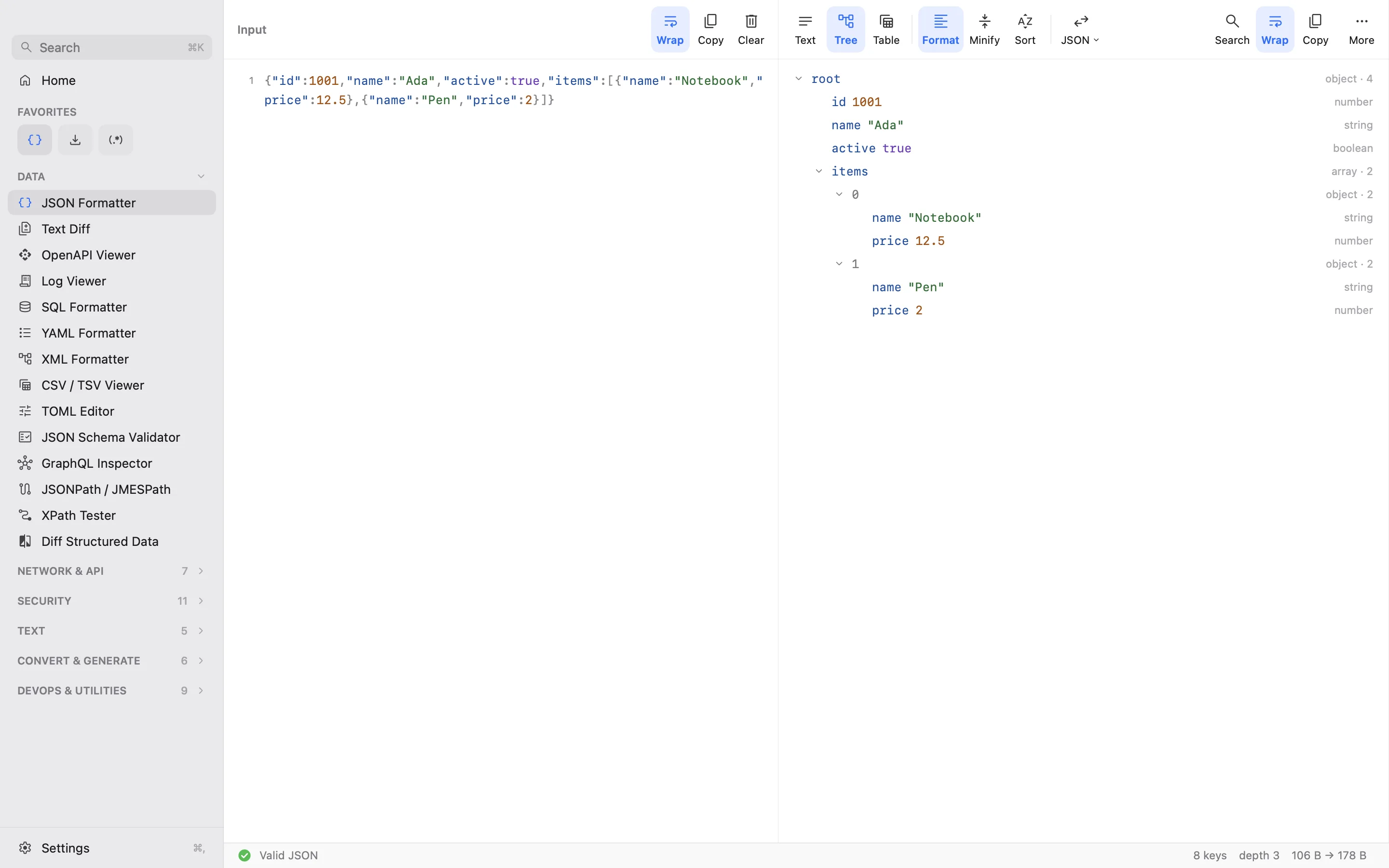
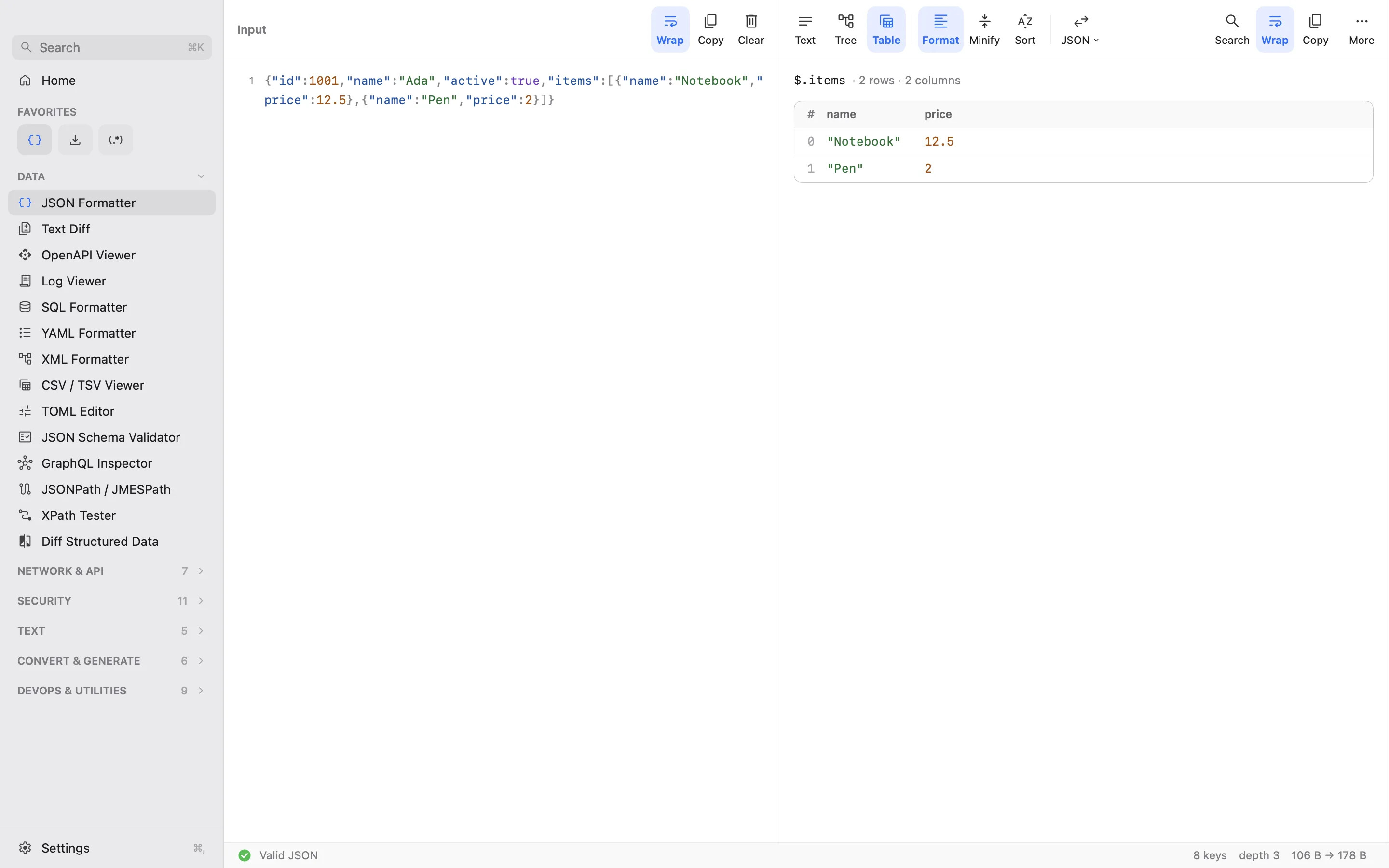
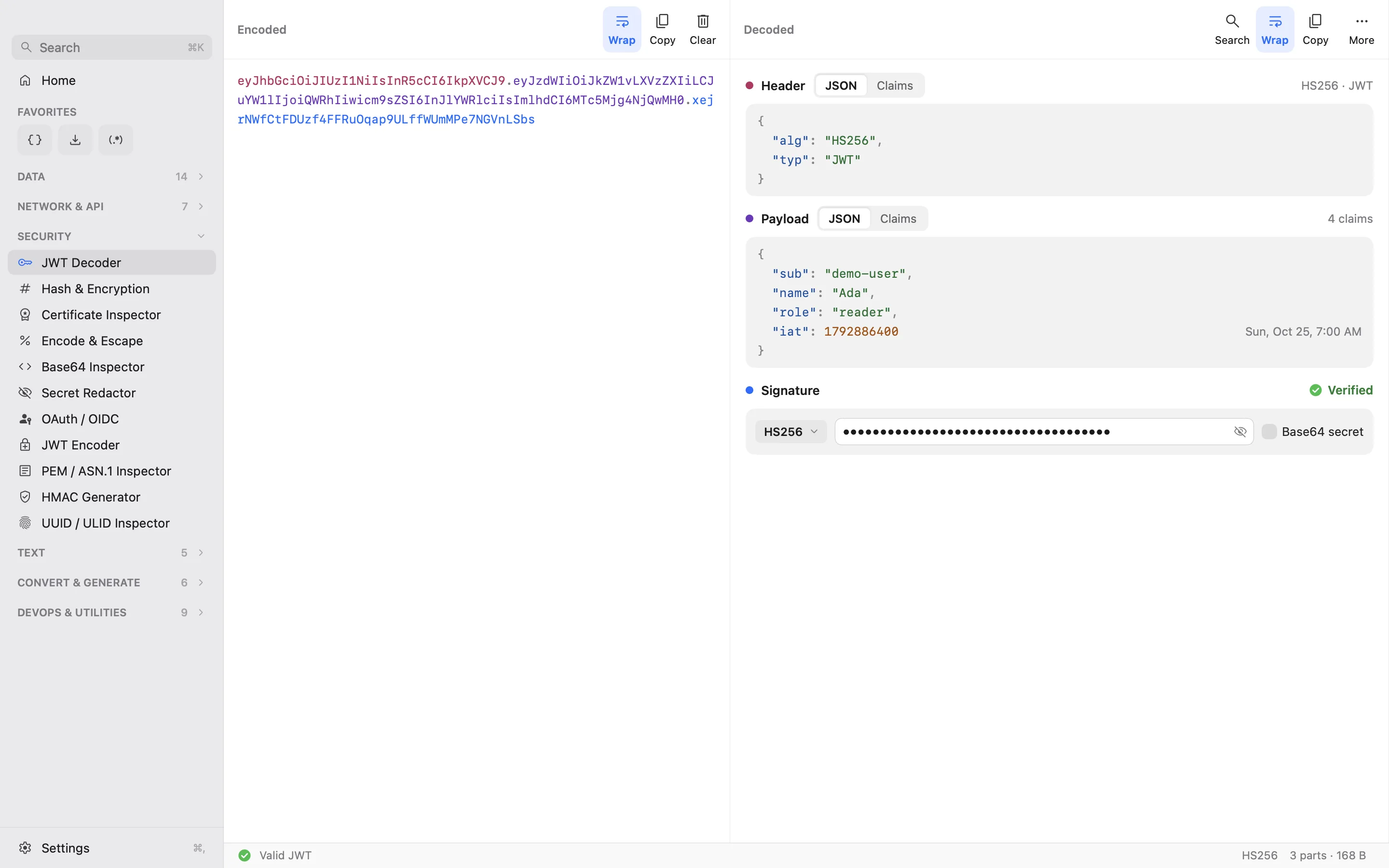
The tools you open ten times a day.
Native, fast on big inputs, and none of them sends your data to a website.
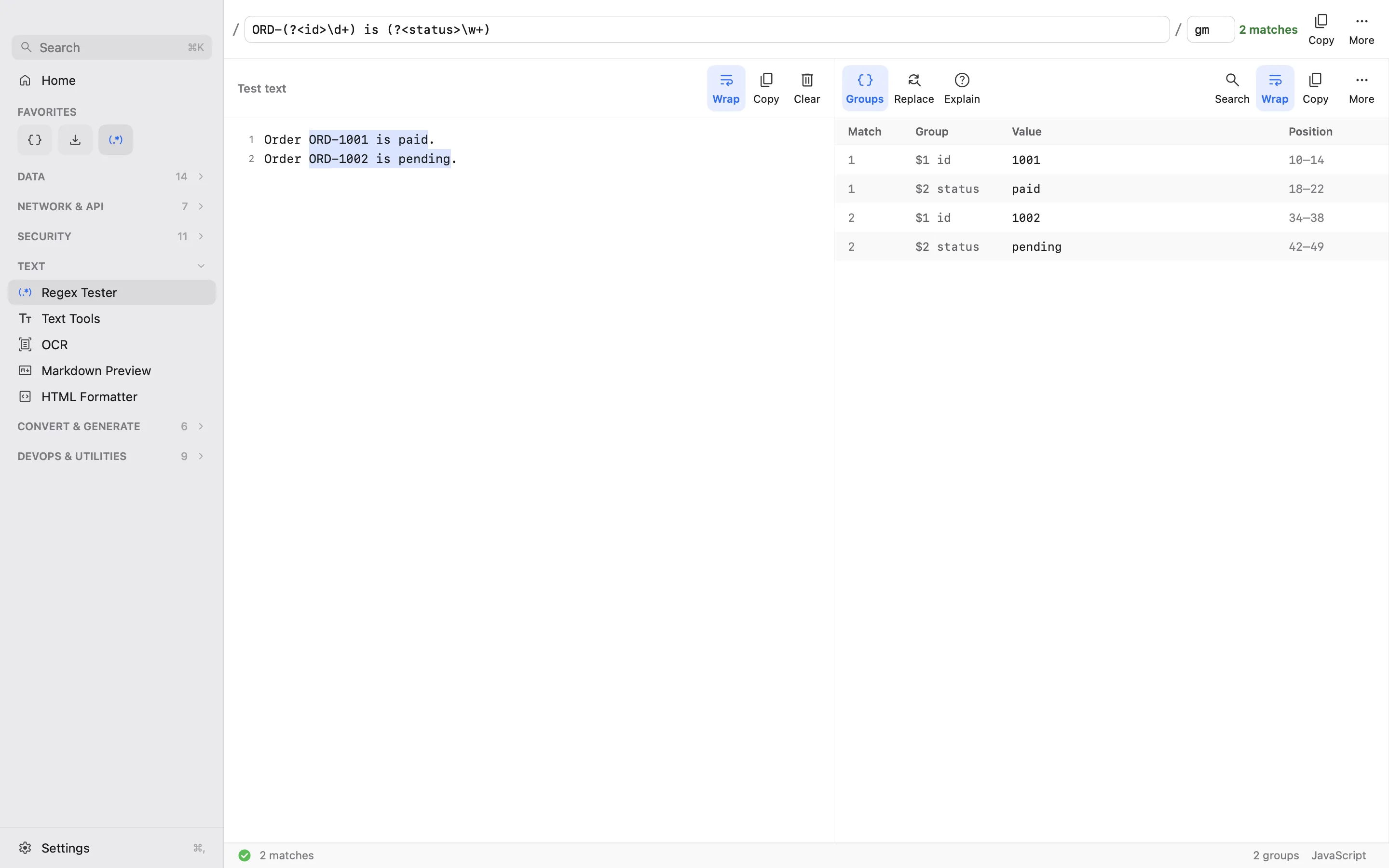
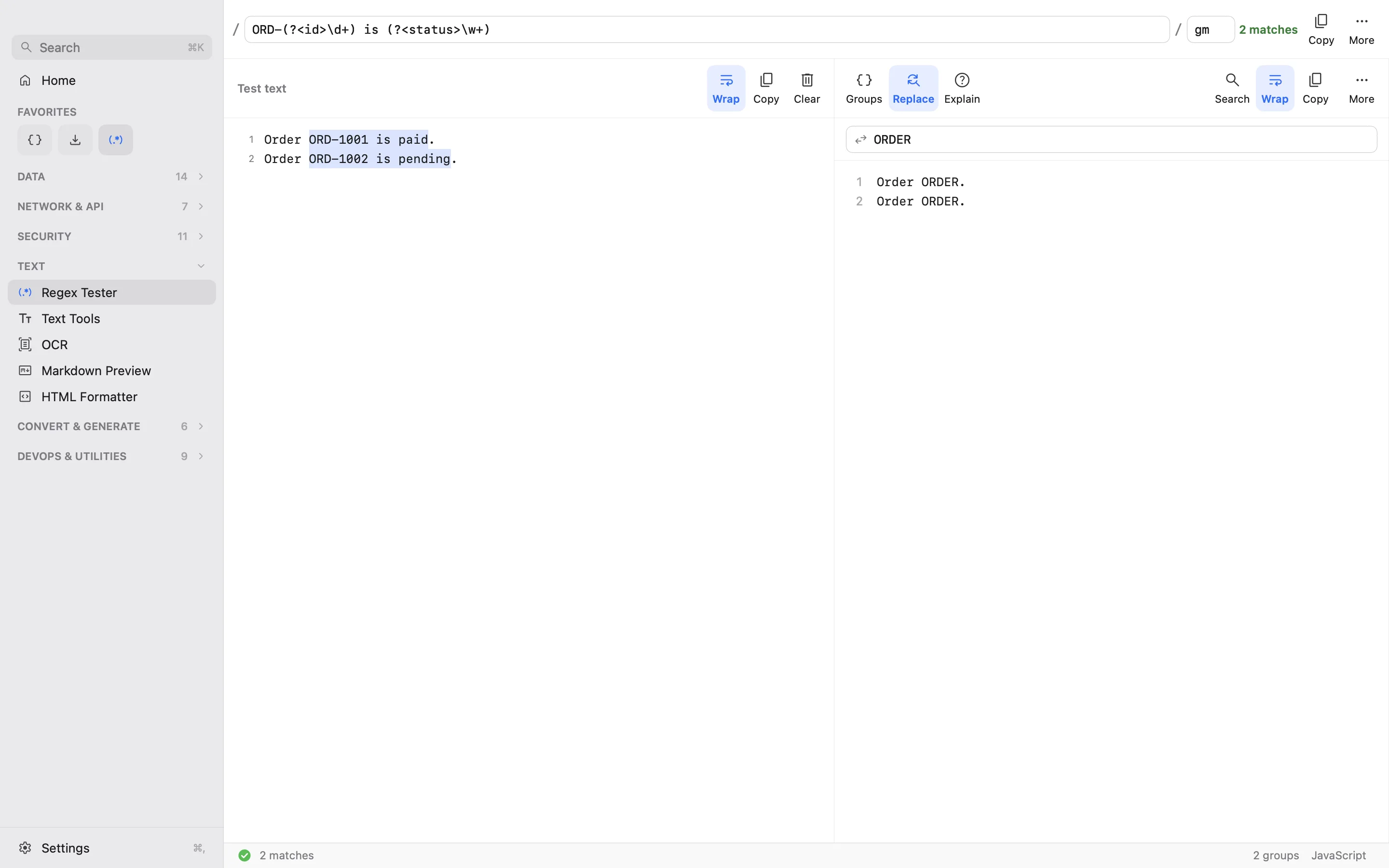
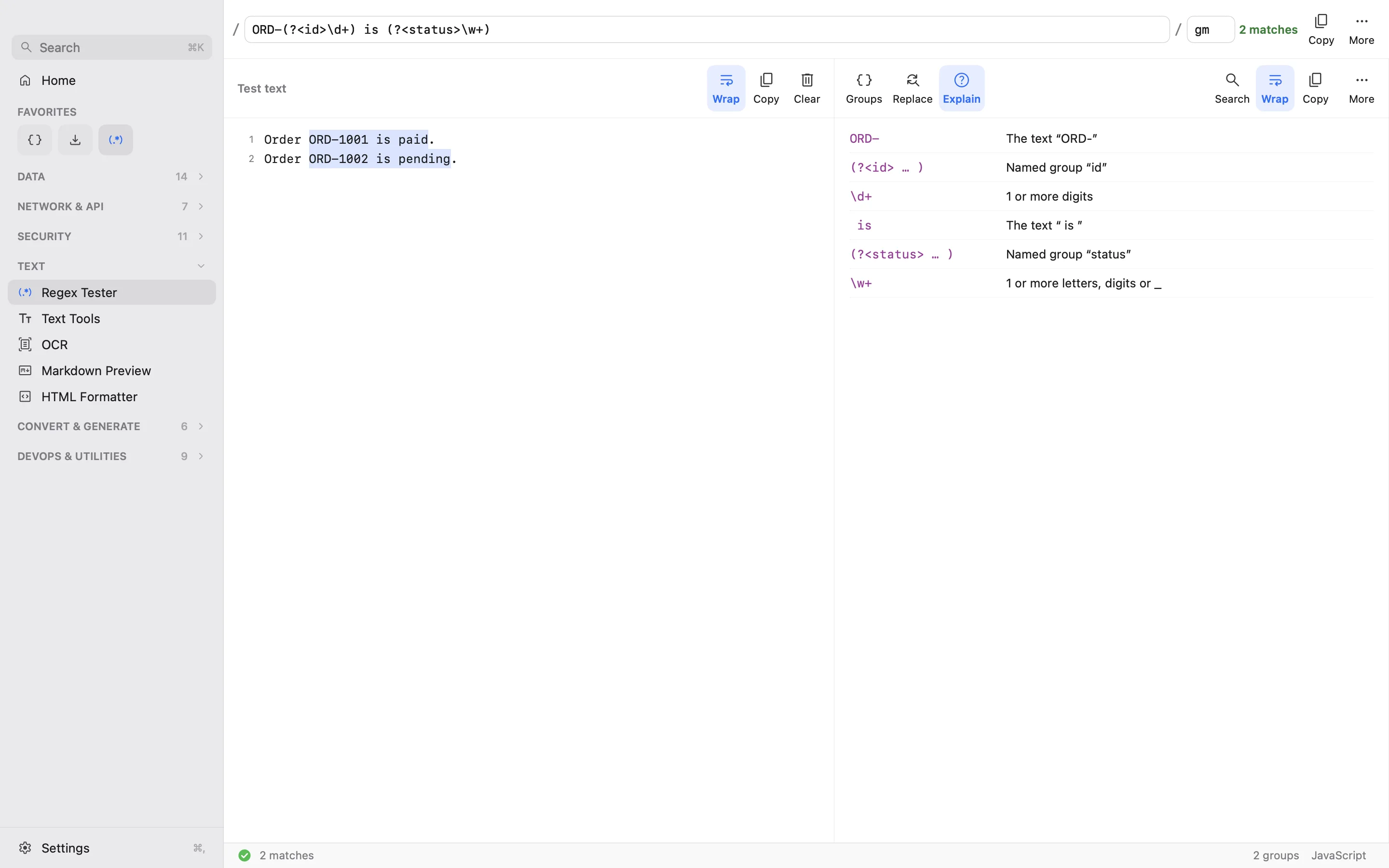
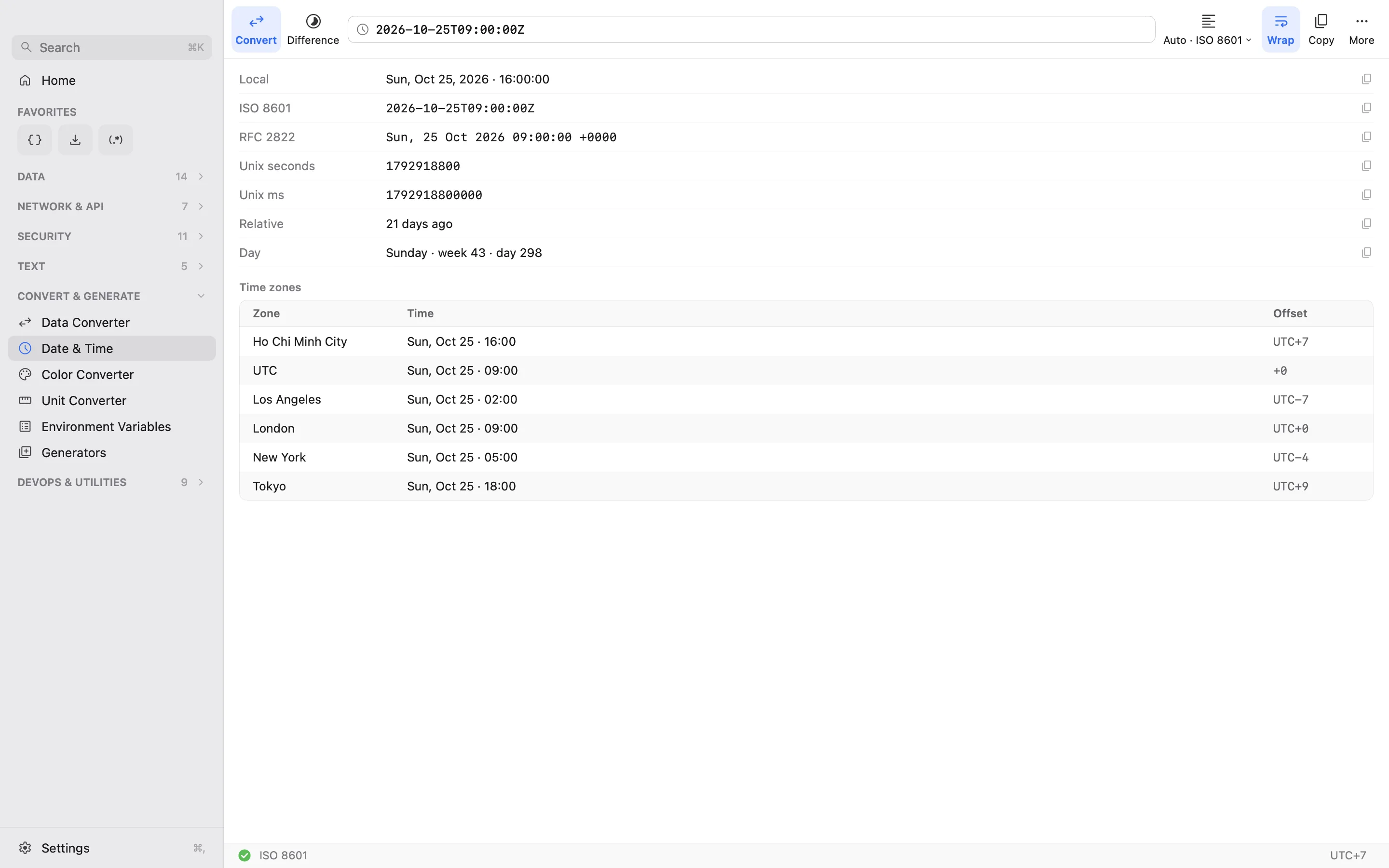

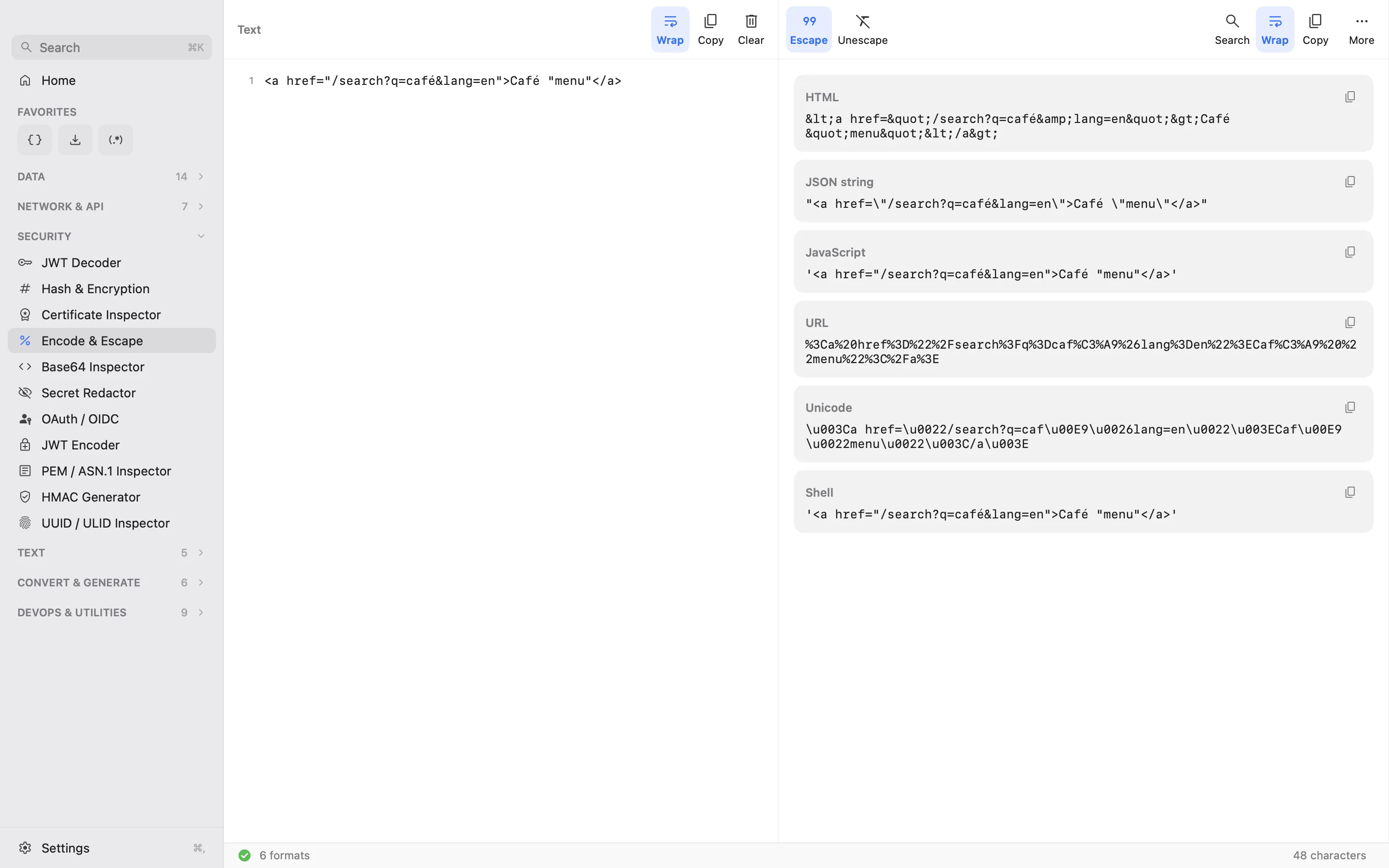
See all 52 tools
Data · 14
- JSON Formatter
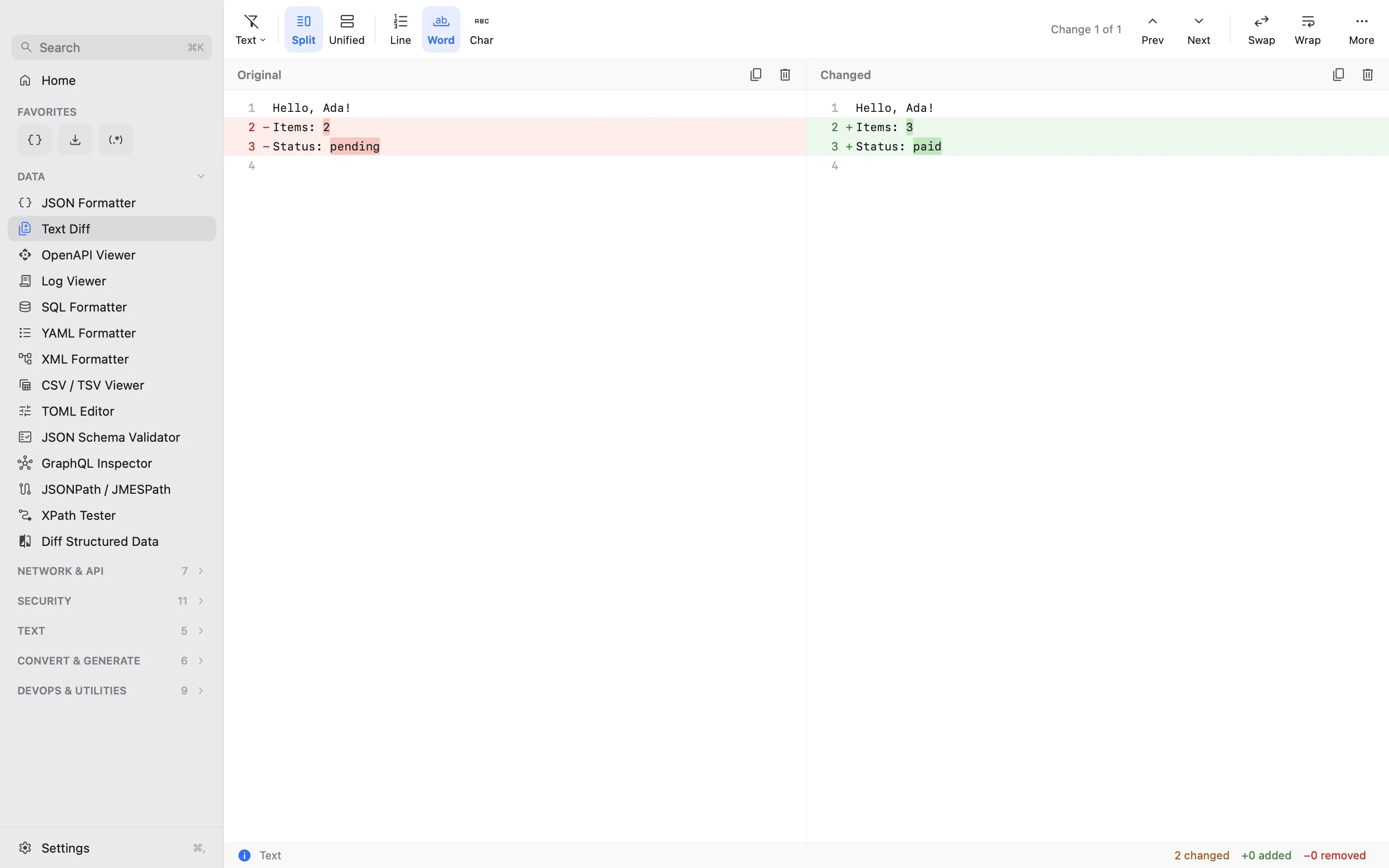
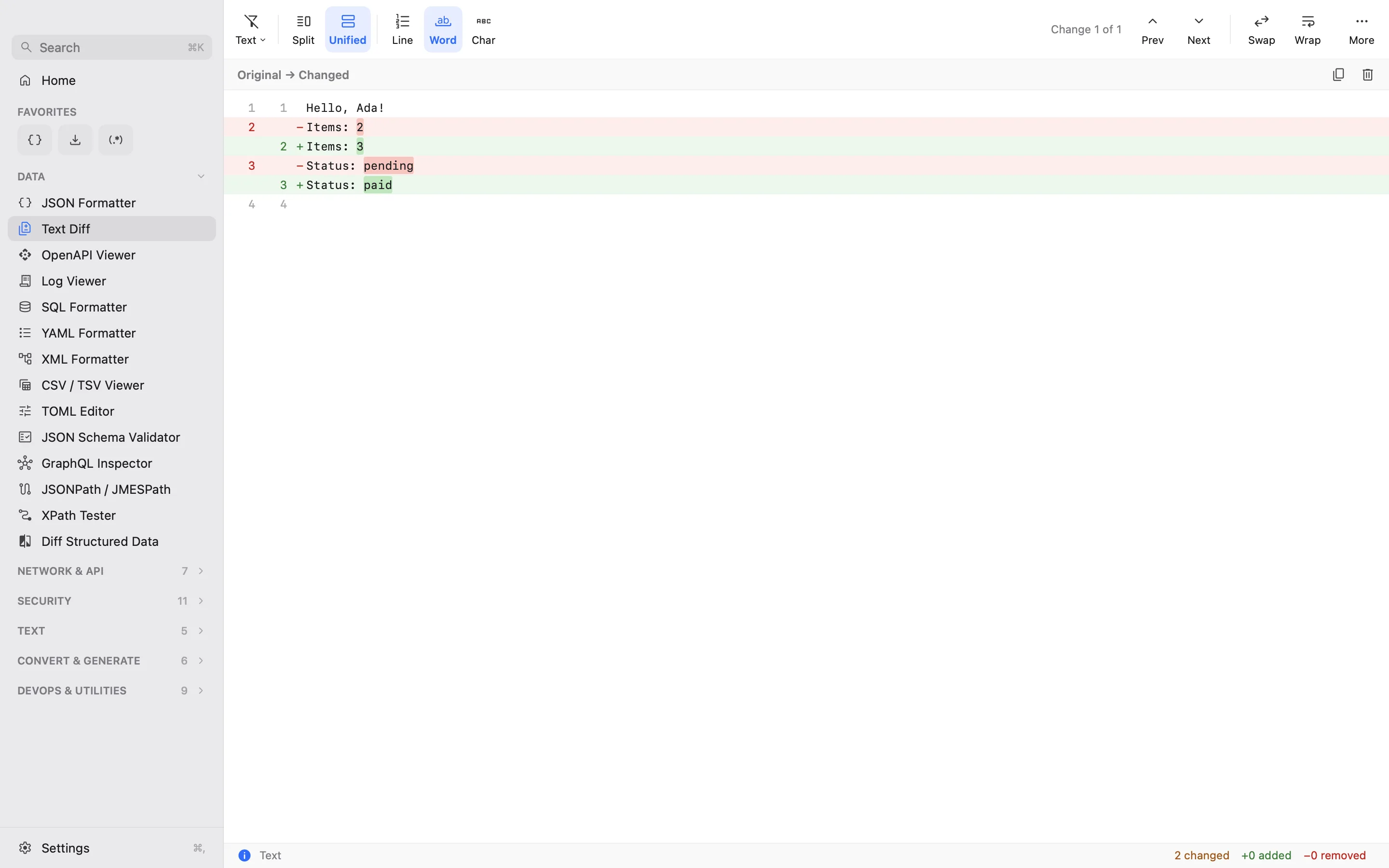
- Text Diff
- OpenAPI Viewer
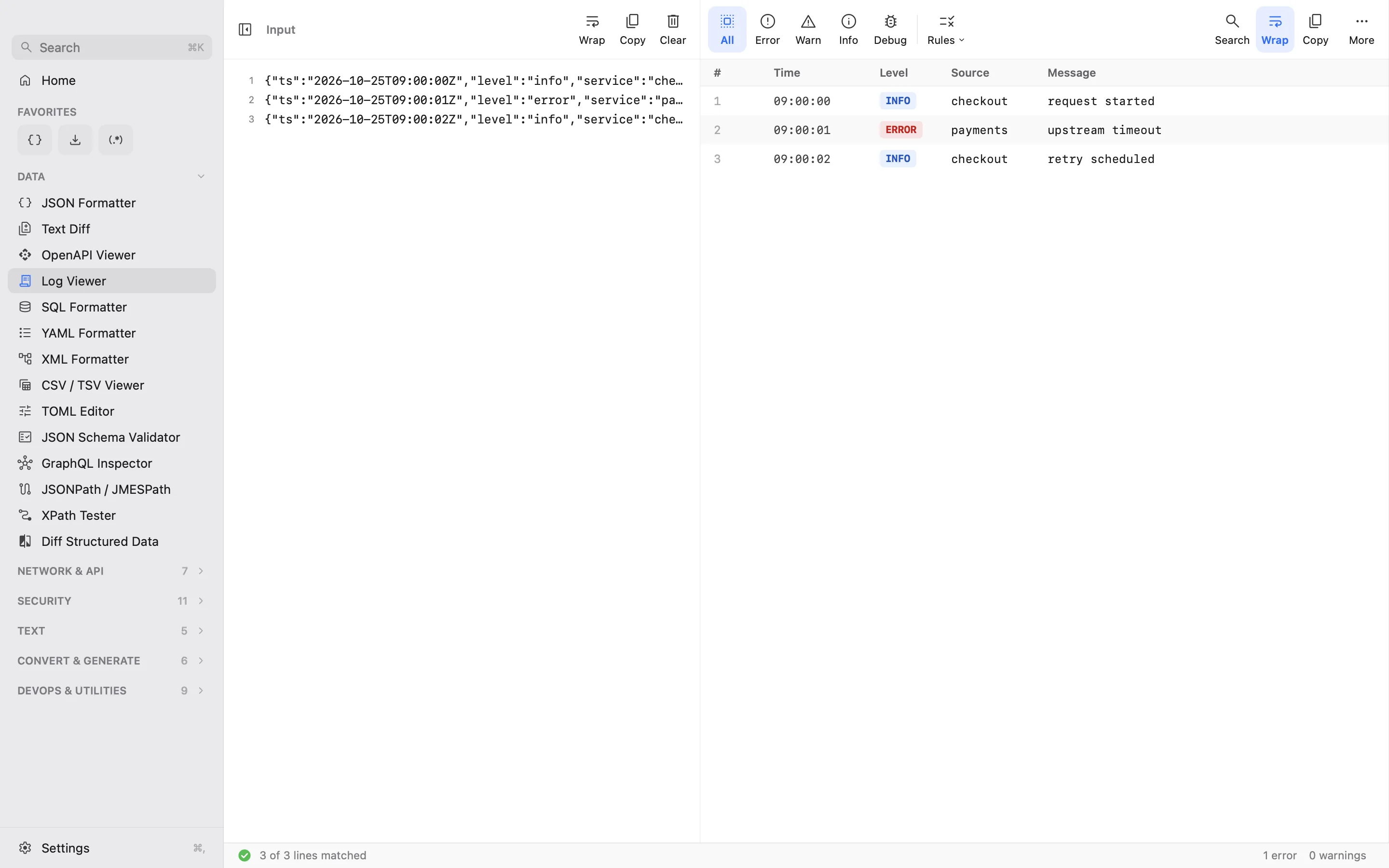
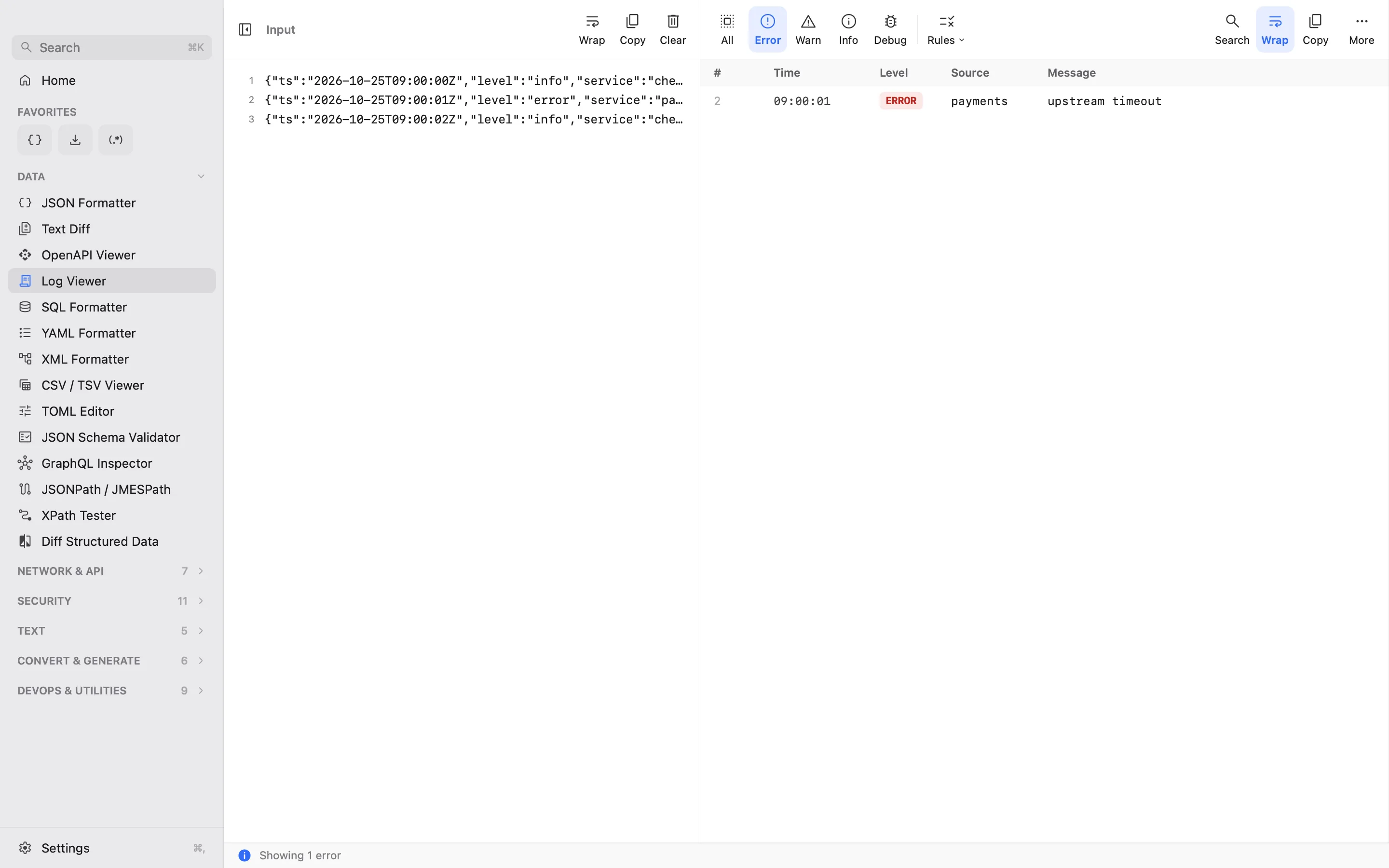
- Log Viewer
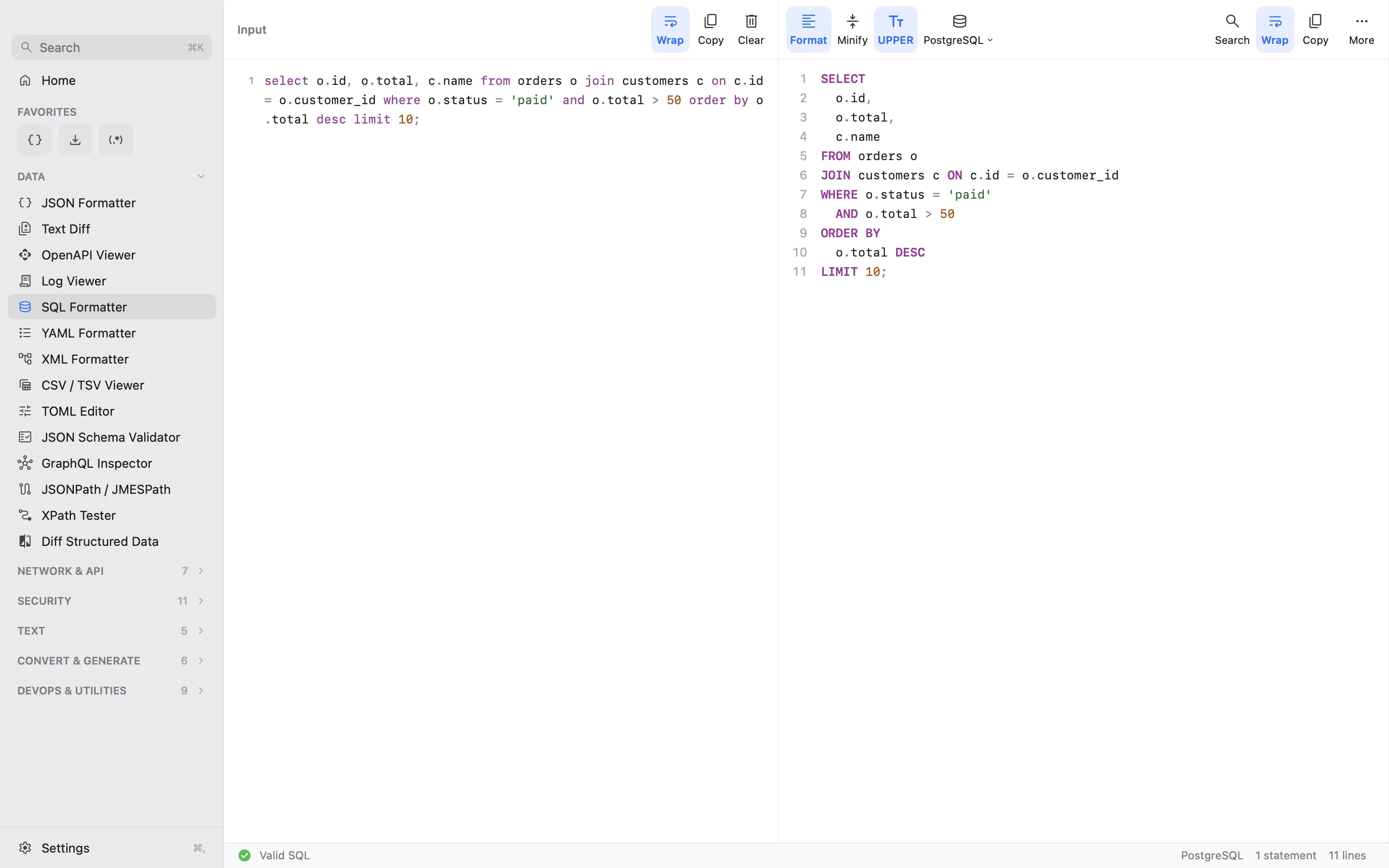
- SQL Formatter
- YAML Formatter
- XML Formatter
- CSV / TSV Viewer
- TOML Editor
- JSON Schema Validator
- GraphQL Inspector
- JSONPath / JMESPath
- XPath Tester
- Diff Structured Data
Network & API · 7
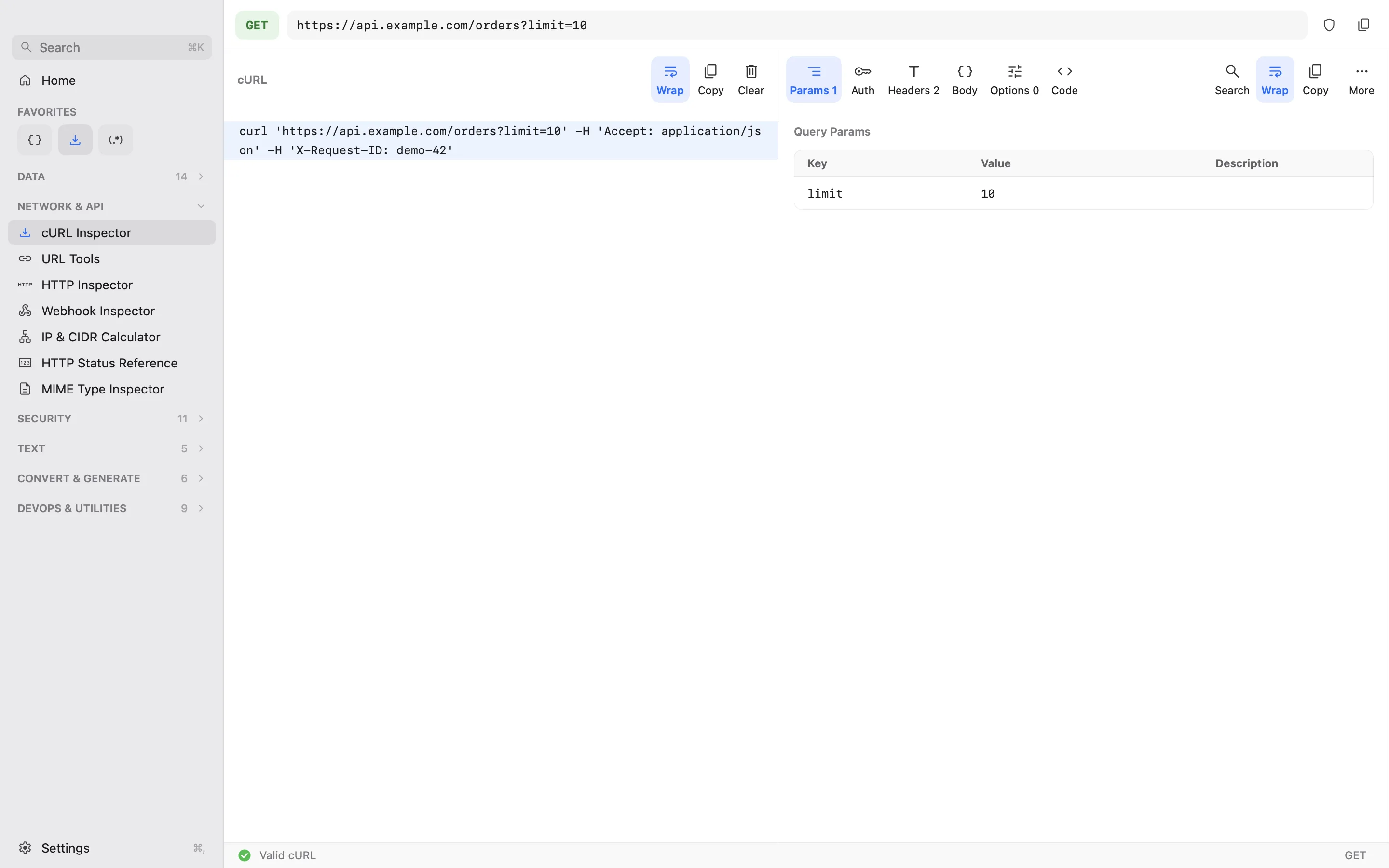
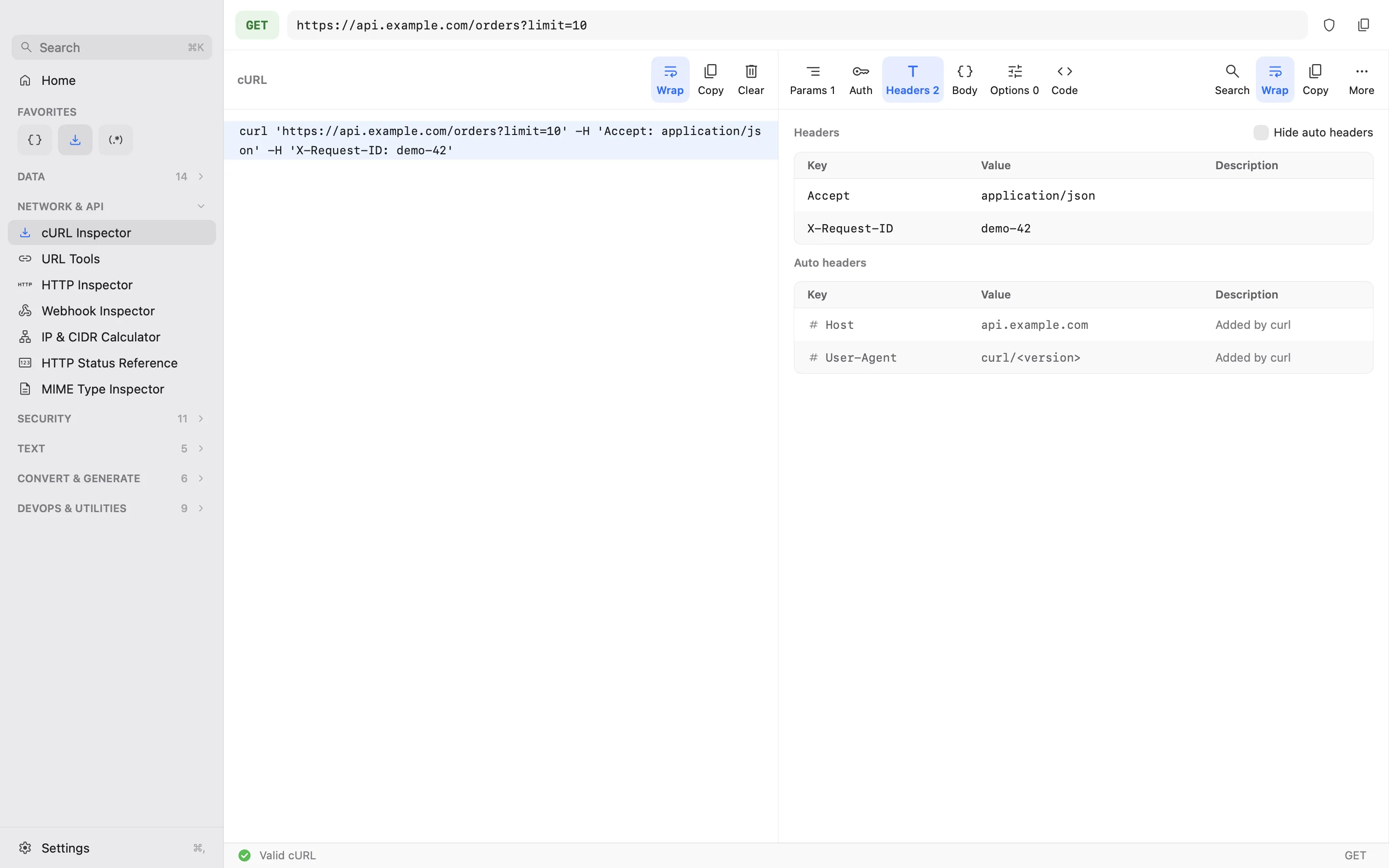
- cURL Inspector
- URL Tools
- HTTP Inspector
- Webhook Inspector
- IP & CIDR Calculator
- HTTP Status Reference
- MIME Type Inspector
Security · 11
- JWT Decoder
- Hash & Encryption
- Certificate Inspector
- Encode & Escape
- Base64 Inspector
- Secret Redactor
- OAuth / OIDC
- JWT Encoder
- PEM / ASN.1 Inspector
- HMAC Generator
- UUID / ULID Inspector
Text · 5
- Regex Tester
- Text Tools
- OCR
- Markdown Preview
- HTML Formatter
Convert & Generate · 6
- Data Converter
- Date & Time
- Color Converter
- Unit Converter
- Environment Variables
- Generators
DevOps & Utilities · 9
- Cron Tester
- Docker Compose
- Kubernetes YAML
- .env Diff & Validator
- Unix Permissions
- Git Patch Viewer
- Stack Trace Parser
- JSON Logs Explorer
- Timestamp Extractor
Fast, simple, just what you need.
No wall of icons to dig through. Paste once, and DevSuite shows the one tool that fits, with only the buttons that tool uses.
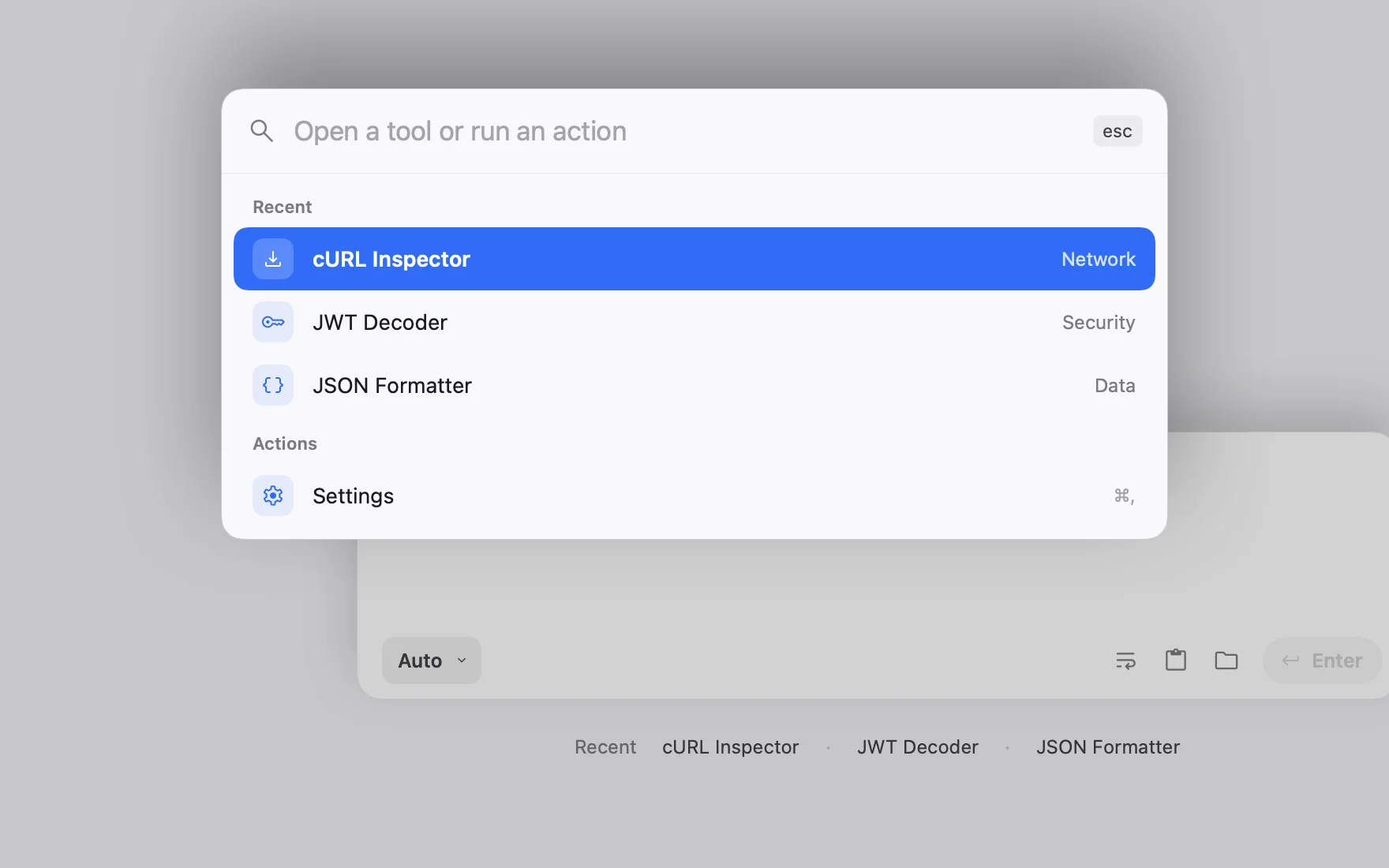
One paste, one tool
It recognises what you copied and opens the right tool. No menus to hunt through.
Only what matters
Each tool shows only the few actions it needs. Nothing else on screen.
Fast on big inputs
100 MB files open, format and filter without freezing the app.
Any tool, two keys away
Press ⌘K on Mac or Ctrl+K on Windows, type a few letters, hit Return.
Your tokens stay on your computer.
Online formatters see everything you paste. DevSuite doesn't, because nothing leaves your machine. Privacy policy →
Works offline
Formatting, decoding, diffing and converting all happen locally.
Never sends requests
cURL commands, HTTP requests and webhooks are explained, never run.
Secrets masked
Tokens, passwords, cookies and keys stay hidden until you reveal them.
No account
No sign-up, no tracking. What you paste isn't saved.
A note from the maker
I used to paste production tokens into websites I’d never heard of.
A JWT you can’t read, an API response squeezed onto one endless line, a log from last night’s incident. You search “json formatter online”, paste, and move on. One day I tried to count how many tokens I had handed to sites like that, and where they ended up. I couldn’t.
So I built the tools I open every day into one app that runs on my own computer and never touches the network. I’m one developer, and I test it on the big, ugly inputs you actually get at work: 100 MB files included. The longer story is on the blog.
 Quan · byquan
Try it free. Pay once.
Every feature free during the trial, then one purchase. No subscription, no account. Free on Linux.
Windows
$9.99 one-time
7 days free · available now
Get it from Microsoft StoreWindows 10 (1809) or later · x64 and ARM64
Mac
$19.99 one-time
14 days free · available now
Download for Mac Buy a licensemacOS 14 or later · Apple silicon and Intel
Linux
Free
Native GTK app · available now
Get it from the Snap StoreSame results as on Mac and Windows · opens 100 MB files · how we tested
Mac licenses are sold here, and the Windows version through Microsoft Store, so a Mac license doesn’t unlock Windows or the other way round. Linux is free. Prices may vary by country.
Questions
Is it the same app on Mac, Windows and Linux?
Yes: the same tools, sidebar, Home paste field and tool layout, built natively for each system (SwiftUI on the Mac, WinUI 3 on Windows, GTK on Linux). A few things are Mac only: the menu bar icon and the Apple Intelligence features. OCR isn't in the Linux version yet.
Does my clipboard content leave my computer?
No. DevSuite doesn't send what you paste anywhere, and it works offline. On the Mac it only goes online to check your license key and to look for updates; on Windows, the Microsoft Store handles the trial and purchase. None of that includes what you copied. Privacy policy.
How is it different from DevToys or DevUtils?
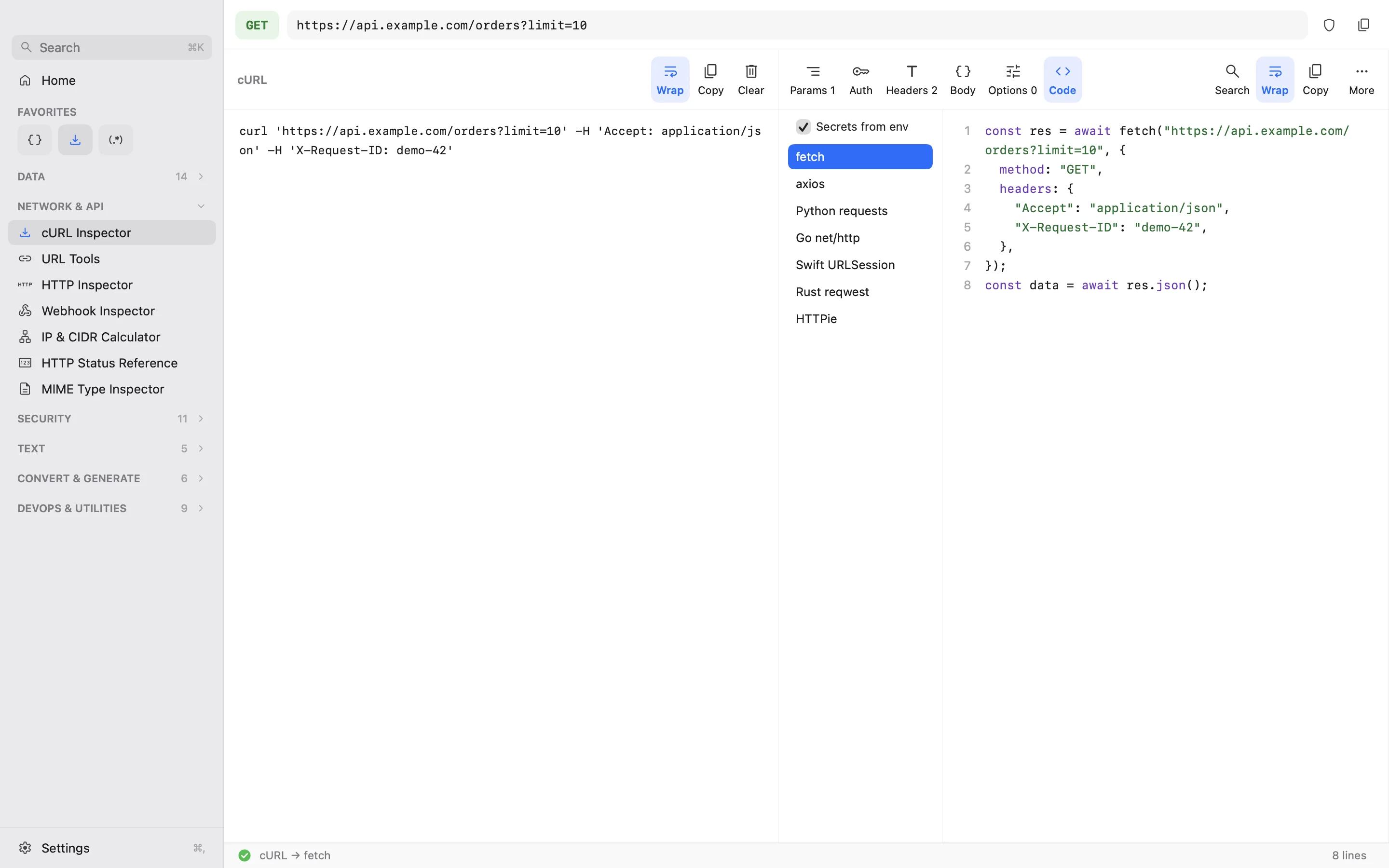
DevToys is a good free, open-source toolbox, and DevUtils is a popular Mac app. DevSuite is built around pasting: it recognises more than 40 formats as you paste and opens the tool that fits, with the next steps one key away. It stays fast on 100 MB inputs, includes a log viewer that filters 10,000-line logs by level and source, turns cURL commands into code in 7 languages, masks secrets on screen, and runs as a native app on Mac, Windows and Linux, all offline.
Will it run my cURL command or webhook?
No. DevSuite parses requests, shows what they would send and turns them into code, but it never sends them. Credentials in them are masked on screen.
Do I need macOS 27?
No. DevSuite for Mac runs on macOS 14 and later. Only Fix with AI, which repairs broken JSON, YAML and similar input on your Mac, needs macOS 27 with Apple Intelligence turned on.
Is there a Linux version?
Yes, and it's free: get it from the Snap Store. It's a native GTK app that gives the same results as the Mac and Windows versions for the same input. Read how we load-tested it on 100 MB files.
How do I buy it, or get help with a purchase?
On the Mac, download DevSuite and use every feature free for 14 days, then buy a license ($19.99, once). Lemon Squeezy handles the payment and emails you the key; paste it into Settings → Plan. On Windows, get DevSuite from Microsoft Store: every feature is free for 7 days, then you buy it once ($9.99) from the same store. For a refund or anything else, contact us.
From the blog: Meet DevSuite · Making DevSuite handle 100 MB files →